6 more Mastercam Tips to help your workflow.
Another 6 Quick Mastercam Tips
11/18/22, 6:00 AM / by camInstructor Mike posted in Mastercam Tips, Mastercam
The Mastercam Setting You Didn’t Know About: Snap to Views
3/23/21, 8:00 AM / by camInstructor Mike posted in Mastercam Tips, Mastercam, Shortcut
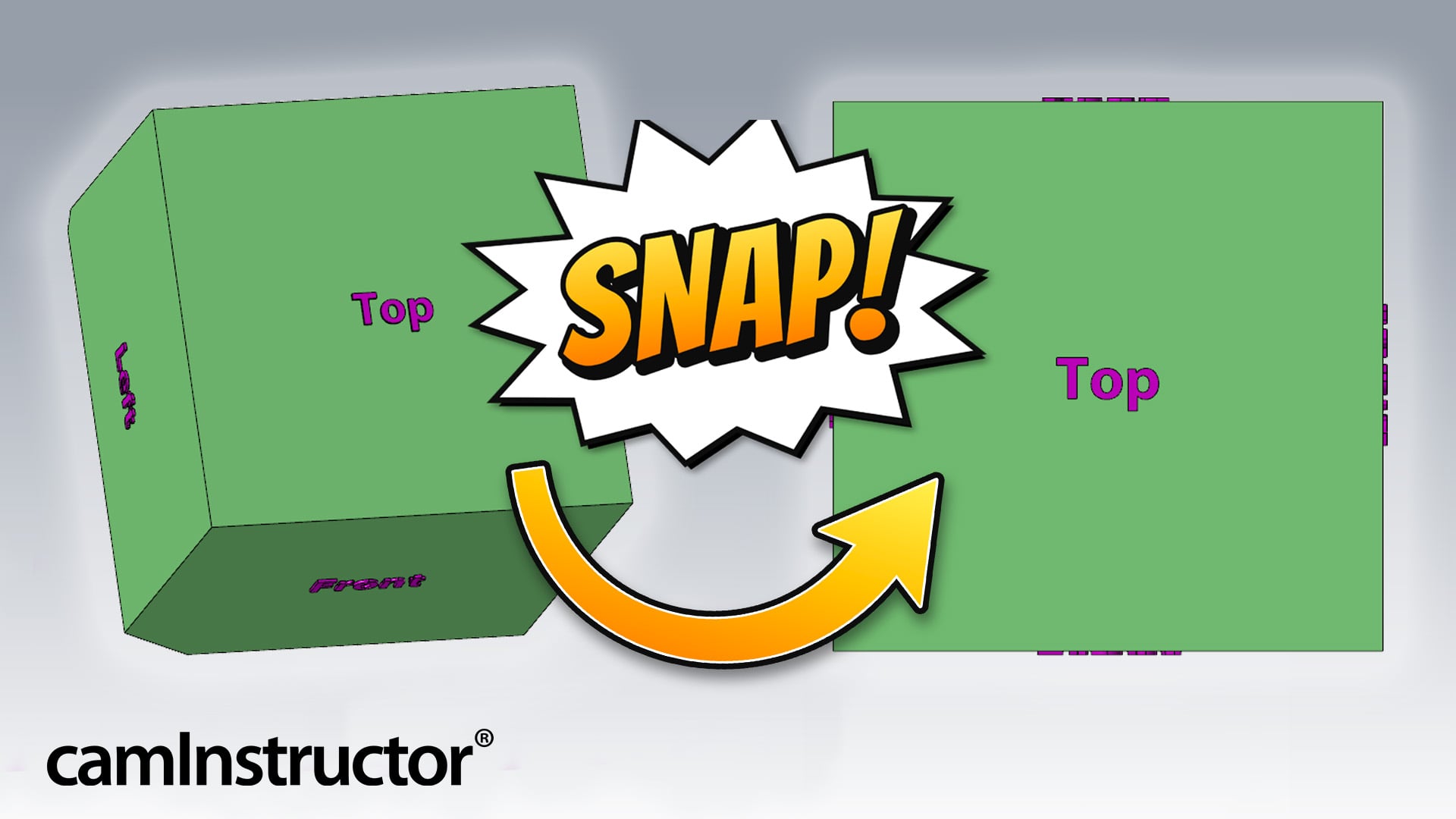
Ever rotate your part to look at the top and end up just a hair off? Mastercam has a setting that will snap you right onto that view, and a keyboard shortcut that lets you use it without needing to turn that setting on!
Mastercam Levels
12/24/20, 12:50 PM / by camInstructor Mike posted in Mastercam Tips, levels
Everything you need to know about Mastercam Levels and more!
A Little Mastercam Tip and A BIG Event
12/15/20, 6:00 AM / by camInstructor Mike posted in Mastercam Tips, Big Event
A super simple Mastercam Tip and some info on the BIG Event!
The Solid Regeneration error that can destroy your file.
Rubik's Cube Assembly with Mastercam
11/15/20, 8:00 AM / by camInstructor Mike posted in Mastercam Tips, Align to Face, Rubix Cube
Here's a file to explore some functions in Mastercam to help you solve the Rubix Cube!
Here's what to do when you're stuck in Mastercam.
Mastercam - 3D Toolpath Control
8/8/19, 3:22 PM / by camInstructor Mike posted in Mastercam Tips, Mastercam, Mill, 3D
This video is taken from an Ask the Instructor email submission and looks at the Tooplath Control options in some of the 3D toolpaths. Ask the Instructor is available to all Premium bundle subscribers.
Working Faster in Mastercam
7/24/19, 7:15 PM / by camInstructor Mike posted in Mastercam Tips
This video looks at some things you can do inside of Mastercam, as well as external to Mastercam, to help speed up your overall workflow!
Mastercams Dynamic Toolpath Engagement - 1
7/10/19, 10:43 AM / by camInstructor Mike posted in Mastercam Dynamic Milling, Mastercam Tips, Mastercam 2019
This video is video 1 of a 9 part series describing the Dynamic Mill Tool Engagement & Stepover. You can get access to the remaining videos by signing up for the free course.
Mastercam Entity Selection
1/9/19, 6:00 AM / by camInstructor Mike posted in Mastercam Tips, Mastercam
This video discusses Entity Selection in Mastercam along with some options to help speed up the selection process.
Delete Duplicates in Mastercam
12/19/18, 5:00 AM / by camInstructor Mike posted in Mastercam Tips, Mastercam
This video discusses the Delete Duplicates Function and FindOverlap CHook in Mastercam, which can be used to clean up geometry in your file.
The Different Backplot Interfaces in Mastercam
12/5/18, 5:00 AM / by camInstructor Mike posted in Mastercam Tips, Mastercam
Did you know there are 2 different interfaces for Backplotting your toolpaths in Mastercam?
Chaining Direction Control in Mastercam
11/21/18, 5:00 AM / by camInstructor Mike posted in Mastercam Tips
This video is taken from a QnA session during one of our Teacher Training Courses and here we're looking at how to control the direction of your chain when creating toolpaths.
Mastercam 2019 Interface
10/11/18, 5:14 PM / by camInstructor Matt posted in Mastercam Tips
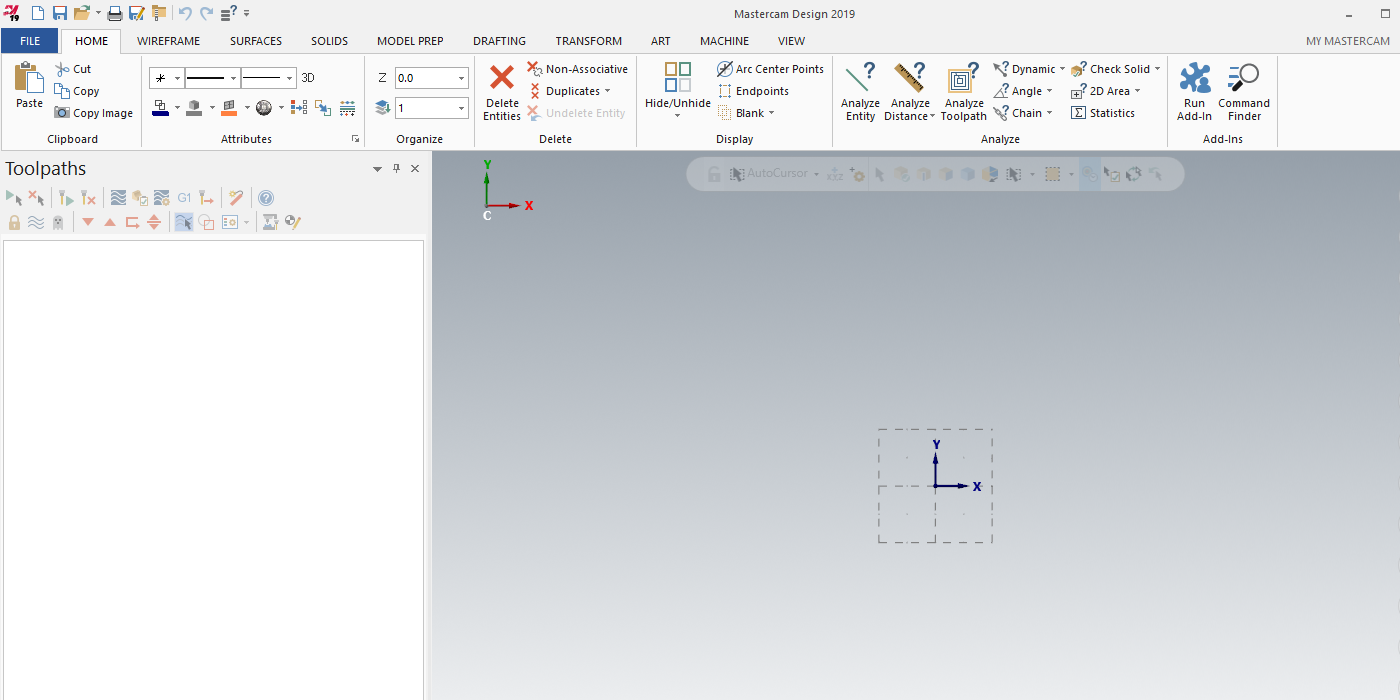
Taking a look at the basics of the Mastercam 2019 User Interface.
Cutter Comp in Mastercam: Computer vs Control vs Wear
3/1/18, 5:42 PM / by camInstructor Mike posted in Mastercam Tips
If you’ve ever had a part come off the machine the wrong size and the first question is “is it the program or the offsets?”, there’s a good chance it’s neither. It’s the comp type in Mastercam not matching how the offsets got set at the machine.
Mastercam gives you five comp types to pick from: computer, control, wear, reverse wear and off. They're available in any 2D toolpath with a finish pass, so Contour, Pocket, Slot, Dynamic Contour etc. Here’s what each comp type actually spits out in the G-code, and how the control needs to be set for each.



